

If you follow @BarackObama on Twitter, you probably know the following 2 things: 1) he doesn’t tweet that much, and 2) moments after you follow Obama on Twitter, he follows you back. How does he automatically follow you back? Does he have a dedicated staff person managing his Twitter account 24-7, or is it automated?
NERD NOTE: During the 2008 U.S. Presidential campaign, Barack Obama became a Twitter phenomenon. After signing up for a Twitter account on March 5, 2007, his campaign slowly grew his Twitter following until, in August 2008, Obama became the #1 person using the service. Obama not only had many thousands more followers than his opponent, John McCain, but more followers than anyone else using Twitter.
How To Auto Follow On Twitter
Honestly, we don’t know the answer, but there is a way to auto-follow your followers on Twitter. ThisTwitter follow back trick can be pretty useful if you find yourself managing a Twitter account for a public figure, company or celebrity. Automatically following people who follow you will save you a ton of time and allow your Friends list to basically build itself.
In this tutorial, we will be using an awesome service called SocialOomph (formerly called TweetLater) to automatically follow back your followers on Twitter. Let’s begin.
Requirements:
- Twitter account (free; twitter.com)
- ~10-20 minutes of free time
- SocialOomph account (free; socialoomph.com)
Douche Test
Do you consider yourself a social media marketing guru because you hang out on Facebook and Twitter all day? Is your sole goal on Twitter to gain followers? Are you a douche bag? If you answered yes to any of these questions, then please leave this page now. So-called social media experts are the cancer of Twitter. The information in this Twitter follow back tutorial should not be used to spread fake guru Twitter cancer.
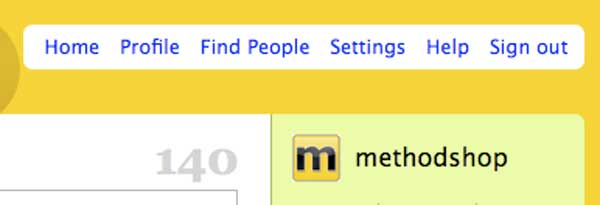
Configure Your Twitter Account
Sign in to Twitter and click on the Settings link at the top of the page. If you don’t know what Twitter is, then read this article: How To Explain Twitter to Your Grandma.
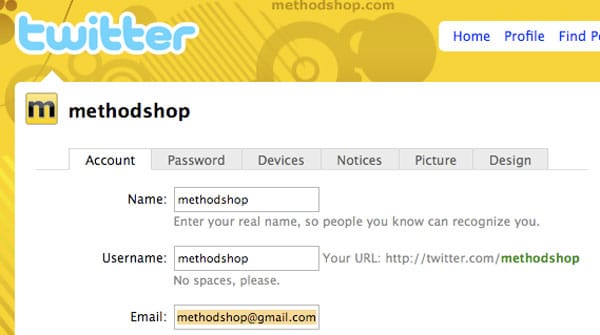
Type In Your Email Address
Type in your email address and save your settings.
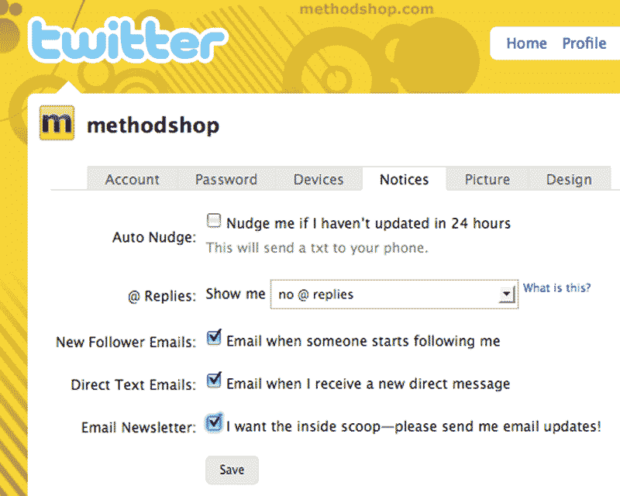
Enable “New Follower Emails” (optional)
Want to know when you get a surge in followers? Click on the Notices tab. Make sure the New Follower Emails option is turned on. You will now get an email when someone new follows you on Twitter. Click Save.
Sign up for SocialOomph
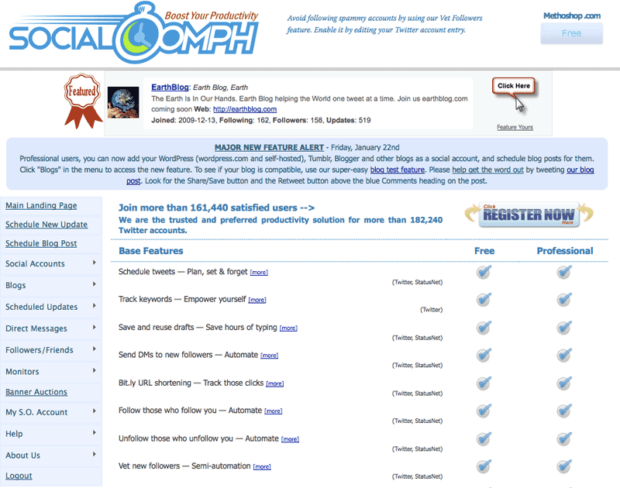
Go to SocialOomph’s website and sign up for a free account. Don’t worry. It’s free you cheap wad. Scroll down their homepage until you see a “Register” button and click on it. You will have to fill out some basic info such as username, email, password, etc.
Sign in to SocialOomph
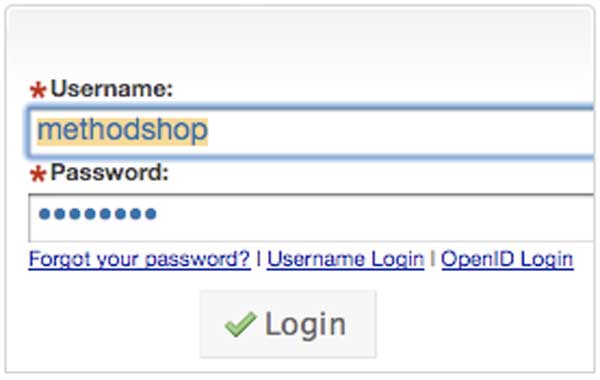
After you’ve successfully registered with SocialOomph, you’ll need to sign in.
Link Your Twitter Account to Your SocialOomph Account
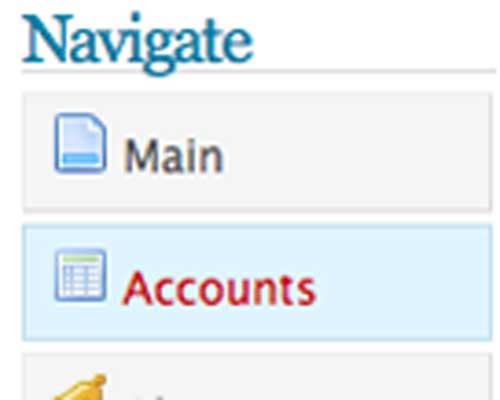
- Click on the Accounts tab.
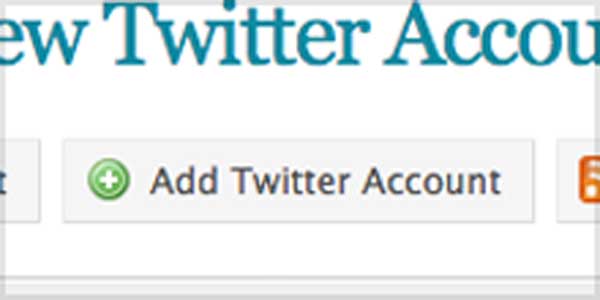
- Then click on the Add Twitter Account button.
- SocialOomph will now ask you for some information about your Twitter account. You must know the following in order to fill out this screen properly: Twitter username, Twitter password, and email address used when signing up for Twitter.
Automated Welcomes?
You can also send an automated welcome greeting to new Twitter followers or even post a public welcome Tweet in your timeline. We’d advise against both. Automated generic messages smell like the inside of a Tauntaun and scream “Hi I’m abusing Twitter to promote my lame company/product. Want some tweet Spam!!!”
Not the way you want to welcome a new Twitter follower.
Enable “Auto Follow” Option
Towards the bottom of the screen, you’ll see 2 checkboxes: Auto Follow and @Replies Digest. Considering that you are reading this tutorial in the first place, you probably want to turn on the Auto Follow option.
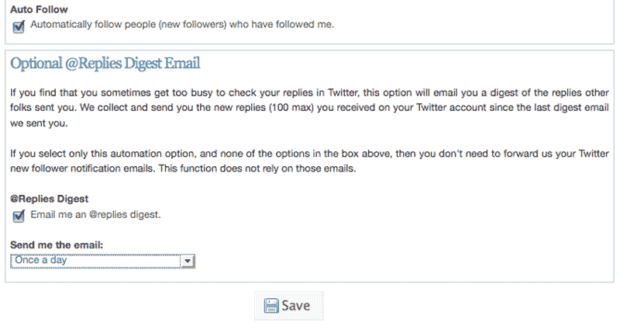
We also recommend turning on @Replies Digest and setting it for once a day. This will send you an email with any replies from your followers. If you are managing a corporate or public figure’s Twitter account, then it’s a good idea to see what people are saying about your client anyway.
Click Save.
That’s It! Twitter Follow Back Workflow Complete.
Your Twitter auto follow workflow should be complete. Let’s test it out. Call a friend with a Twitter account. You should both unfollow each other. Ask your friend to re-follow you. After a few moments, your new automatic Twitter following workflow should kick in and automatically follow you again. To see if you are both following each other, go to Twitter Karma and take a look. If you see a mutual follow icon, then it worked!!
If you have more questions, please check out the great FAQ posted on SocialOomph’s website. And while you are still in a good mood, please follow us on Twitter and send us a tweet to @methodshop.

Frank Wilson is a retired teacher with over 30 years of combined experience in the education, small business technology, and real estate business. He now blogs as a hobby and spends most days tinkering with old computers. Wilson is passionate about tech, enjoys fishing, and loves drinking beer.













Leave a Reply